Your cart
There are no more items in your cart
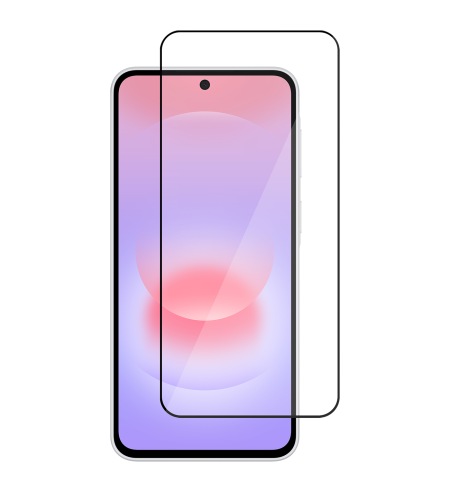
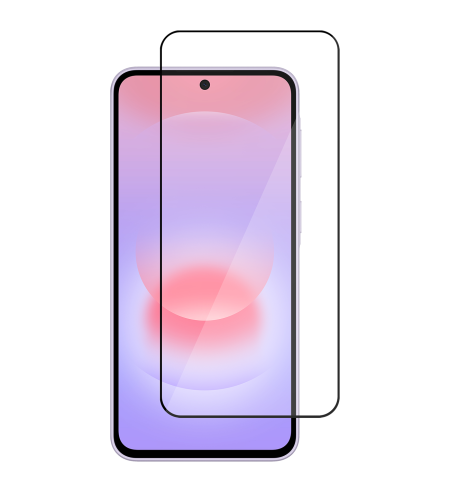
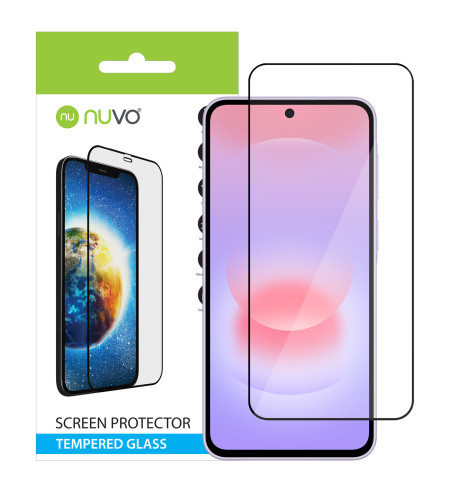
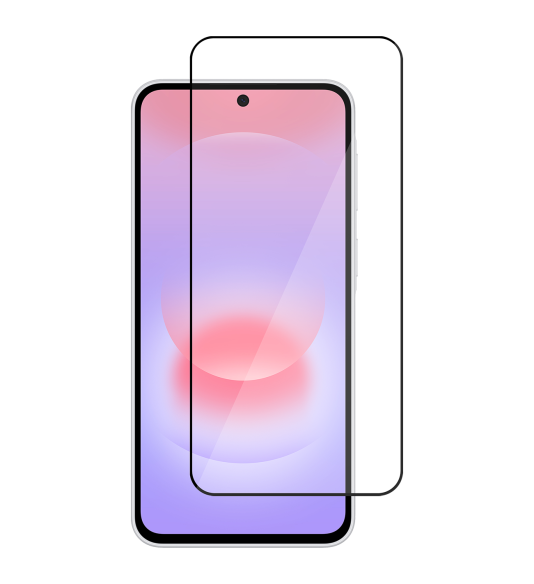
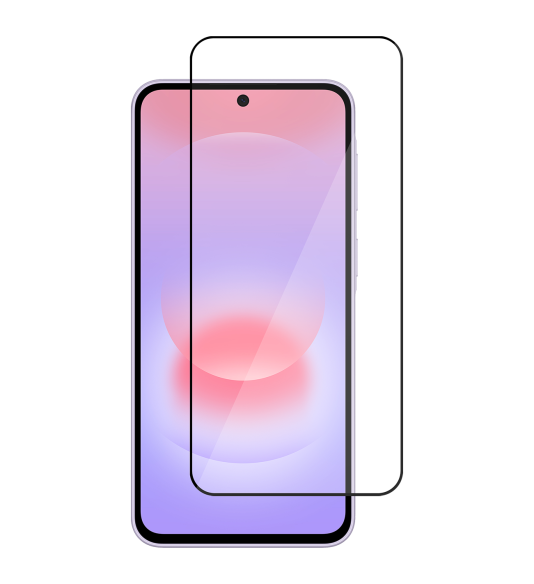
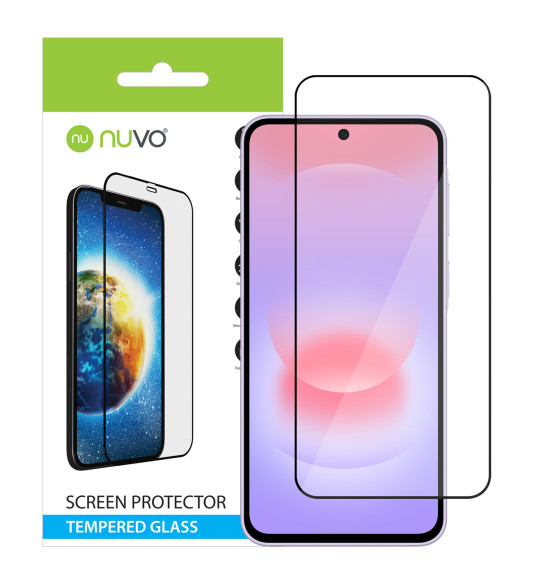

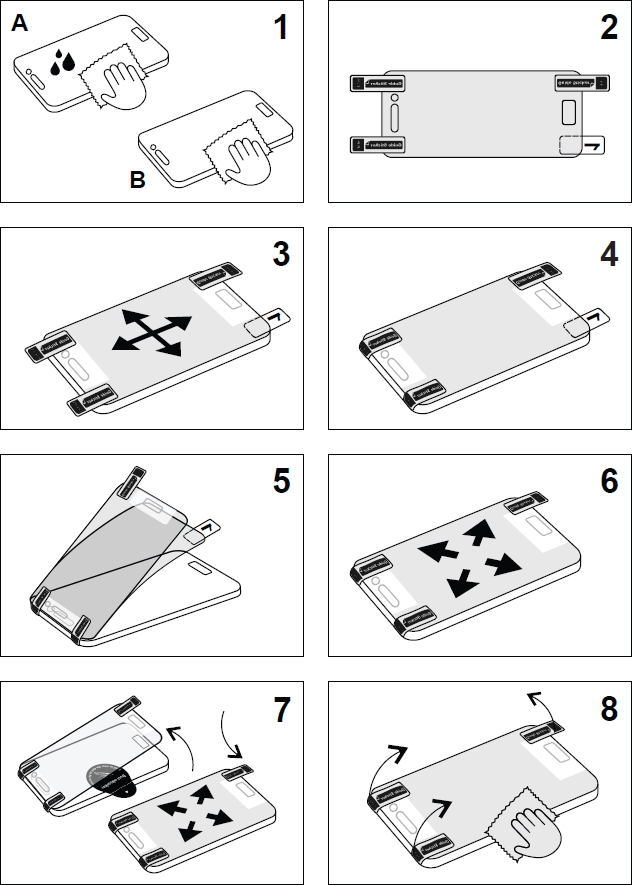
Before application, we recommend to switch off your device in order to avoid attracting dust by static energy.
-
Clean the display surface thoroughly with the supplied humid cloth, then dry the display off with a microfiber cloth.
-
Apply guide stickers to the top of the glass in its lower area.
-
Place the glass on the phone, with its inferior part (with a protective foil) facing the display, so that the glass fits firmly with the edges, the speaker and the buttons of the phone.
-
When the glass fits firmly, stick the overlapping parts of the guide stickers in the lower area of the phone.
-
Raise the glass gently in the upper part and remove the protective foil from the hardened glass.
-
Gently restore the glass to its previous position on the display and press its central part. The glass slowly adheres to the whole surface of the display.
-
In case impurities have got under the glass, you can gently remove it with a sticker and clean. When removing the glass, avoid bending and/or cracks.
-
When the glass is properly applied, remove the guide stickers and press the glass slowly with gentle touches over the whole surface (mainly in edges), so that the silicone layer adheres to the display and creates a uniform, transparent film between the glass and the surface of the display.