• -€13.00
NUVO Tempered Glass Screen Protector...

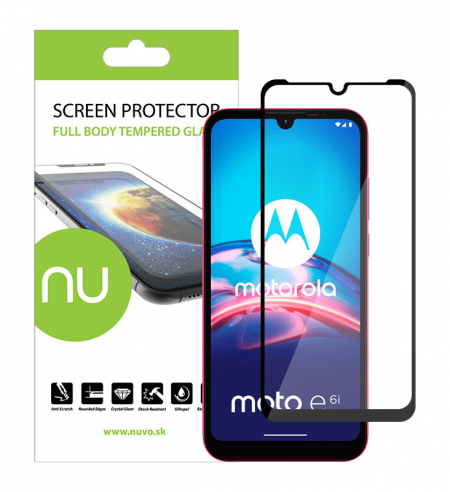
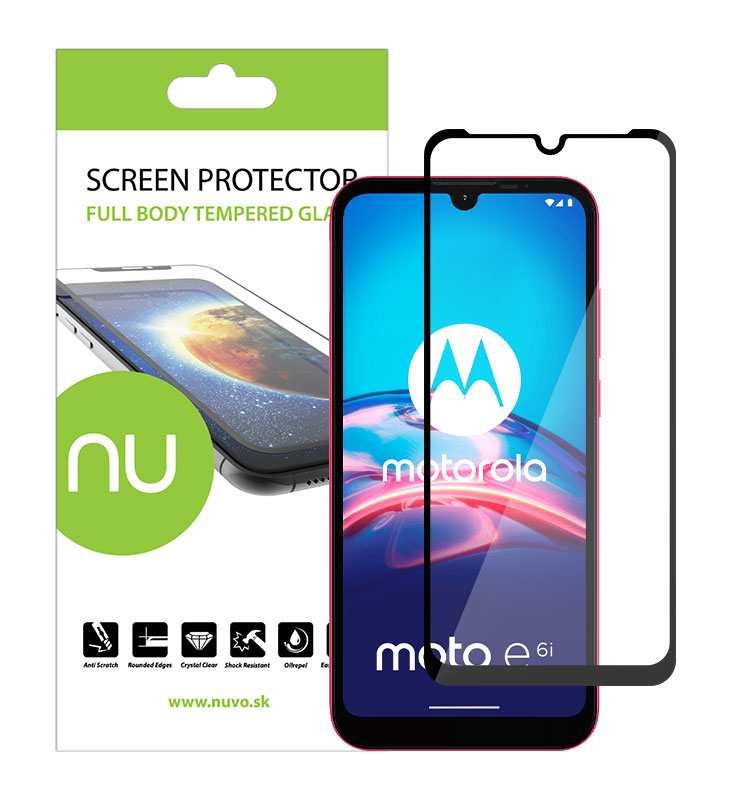
NUVO Tempered Glass Screen Protector for Motorola Moto E6i black

Tempered glass screen protector ensures great protection for your mobile's display. Thanks to a hassle free installation nearly anybody will be able to apply the screen protector to a mobile phone. Thus it is ideal accessory to protect your Motorola Moto E6i.
Reference N-SKL-MOT-E6I-CIE
External warehouse
€7.99 €20.99 -€13.00
Lowest product price during 30 days prior to discount: €19.99
Estimated delivery time: 1 - 2 weeks

 
  • Real glass 0.4mm thin, 9H hardness
  • Adhesive layer is appplied on the whole surface of the screen protector
  • Protects the display of your device against scratches, dust and fingerprints
  • Full Body Design with precisely cut holes for sensors and camera
  • Easy bubble-free installation
  • Impact resistant - absorbs the impact power effectively protecting your device
  • Rounded edges - to make your experience convenient and smooth
  • Shatterproof glass - in case of breaking, the glass will stay in one piece effectively eliminating any cutting hazard
  • High transparency - will retain the Colour scheme of your display
  • Compatible with Motorola Moto E6i
  • Colour: black
Device
Motorola Moto E6i
Condition
New product
  • NUVO tempered glass screen protector
  • wet isopropyl alcohol cleaning pad
  • microfibre cloth
  • guide stickers for easy installation
  • stickers for removing dust

Before application, we recommend to switch off your device in order to avoid attracting dust by static energy.

  1. Clean the display surface thoroughly with the supplied humid cloth, then dry the display off with a microfiber cloth.

  2. Apply guide stickers to the top of the glass in its lower area.

  3. Place the glass on the phone, with its inferior part (with a protective foil) facing the display, so that the glass fits firmly with the edges, the speaker and the buttons of the phone.

  4. When the glass fits firmly, stick the overlapping parts of the guide stickers in the lower area of the phone.

  5. Raise the glass gently in the upper part and remove the protective foil from the hardened glass.

  6. Gently restore the glass to its previous position on the display and press its central part. The glass slowly adheres to the whole surface of the display.

  7. In case impurities have got under the glass, you can gently remove it with a sticker and clean. When removing the glass, avoid bending and/or cracks.

  8. When the glass is properly applied, remove the guide stickers and press the glass slowly with gentle touches over the whole surface (mainly in edges), so that the silicone layer adheres to the display and creates a uniform, transparent film between the glass and the surface of the display.
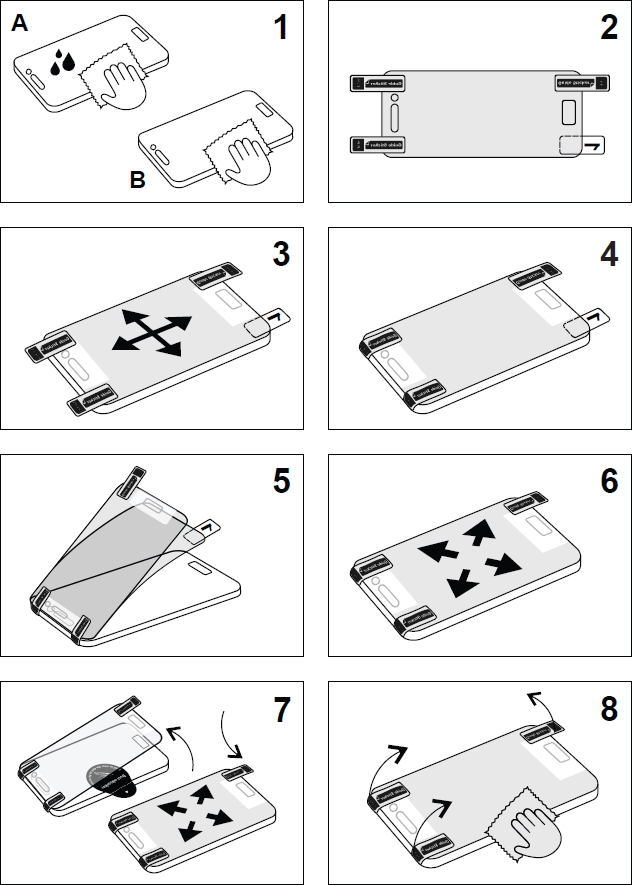
picture manual
Product added to wishlist
Product added to compare.